

DJ SOFTWARE FOR INTERACTIVE SETS
Your set.
Everyone’s moment.
Download Trackpull for Mac
Free for home use.
Made by friends. Made by DJs. Made for you.
Your sound.
Your night. Together.
Unforgettable nights happen together. That’s why we’re building Trackpull: your tracks, a deck built for creativity, and a crowd that shapes the night from their phones.
From the first idea to the final transition. Built by friends and DJs.
STEMS
Create new worlds.
Mix with STEMS.
Separate vocals, drums and bass. Put a familiar voice over a fresh beat. Take your favourite track somewhere new.
Four separate stems. Right on your Mac.
Locally on your Mac
BACK TO BACK
Two MacBooks.
One shared mix.
Your transition. Your B2B’s next idea. Connect your Macs and play together. Your own screens. The same set.
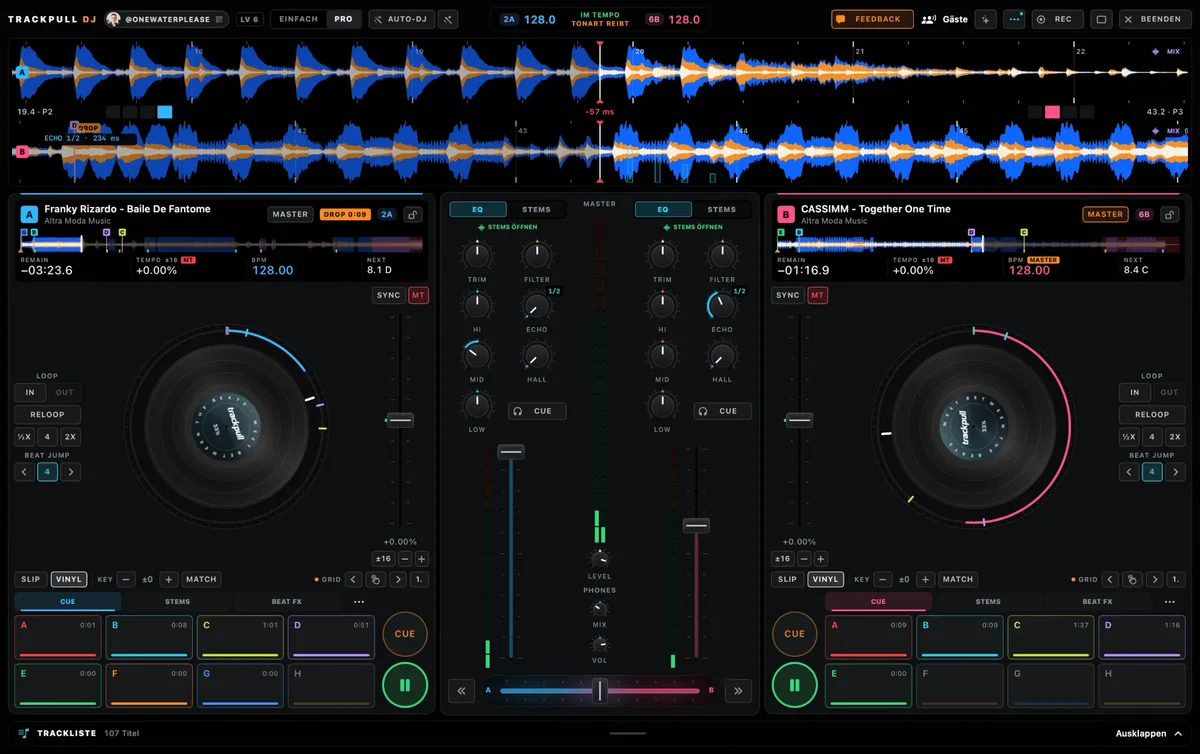
Two screens. One set. Connected over your local network.
CROWD & DJ
You bring the mix.
They bring the energy.
Your crowd scans a QR code, requests tracks and sends live reactions straight to your deck. Feel what’s landing. You decide what plays next.
For your crowd: no app. No account. Just join in.
Try it outInteractive demo
Your guests can request tracks and vote together.
Interactive demo · Names, votes and reactions are examples.
YOUR CONTROLLER. YOUR FLOW.
Plug & play.
Bring your DJ controller.
Connect your own controller and get deeper into your set. Jog wheels, faders, pads. Your mix, in your hands.
With ready-made profiles, including the Pioneer DJ DDJ-FLX4.
Explore supported controllers
Pioneer DJ DDJ-FLX4 · DDJ-400 · DDJ-RZX · AlphaTheta DDJ-FLX2 · Hercules DJControl Inpulse 500
Available features depend on your device and profile. Map other MIDI controllers in Trackpull. A mouse and keyboard are all you need to get started.
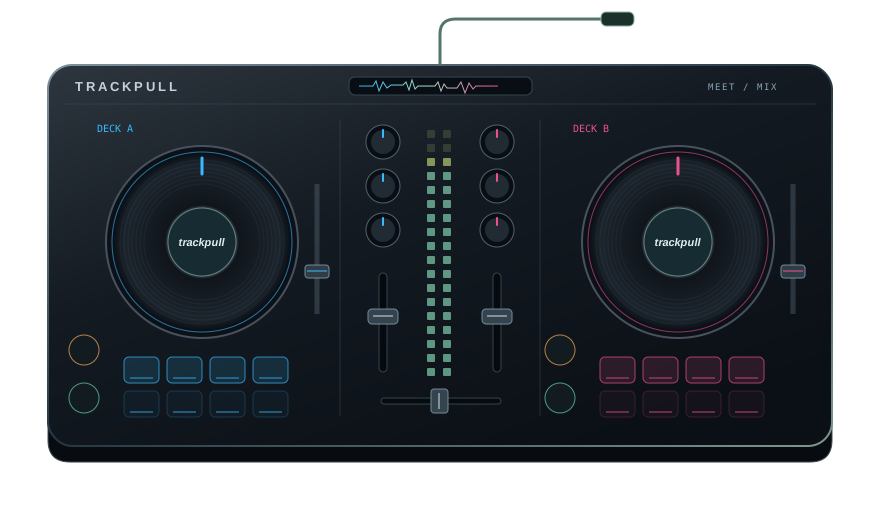
Your hardware. The Trackpull feel.
YOUR NEXT SET
Your next great night.
Starts on your Mac.
Trackpull is free for home use.
Download now. Sign in or create your free account on first launch. No invite code needed.
Loading download count…
GOOD TO KNOW
One more thing?
Is Trackpull free?
Trackpull is free for home use. No payment details or account are needed to download it.
What do I need to get started?
A Mac running macOS 15 or later and your own music files. Trackpull supports Apple Silicon and Intel Macs. Add a DJ controller whenever you like. A mouse and keyboard are enough to start.
How do we play back to back?
Install Trackpull on both Macs. One of you starts a B2B session and invites the other. Control the same deck from two screens. Connect over your local network, ideally using Ethernet or a configured Thunderbolt Bridge.
Do my guests need to install Trackpull?
No. Your guests scan the QR code and open your room in their browser. No app or account needed.
Is the Mac download verified?
Trackpull is signed with an Apple Developer ID and notarised by Apple. This download takes you straight to the official installer.